 Lightkone
A reference manager for research papers
Your papers, in storage you own.
Lightkone keeps your papers, PDFs, highlights and notes as plain files in your own bucket or GitHub repository. Read and highlight on any device, search inside every PDF, keep your citation keys stable for LaTeX, grow the library through its citations, and ask Claude about your papers with your own key.
A KausalFlow project. KausalFlow builds open tools that make the life of scientists easier.
New: let an AI assistant set up your storage, use your library inside Claude, grow it through its citations with Branches, and reach it from the terminal and Python with lightkone.
Bookmark app/ to go straight to your library next time.
What it does
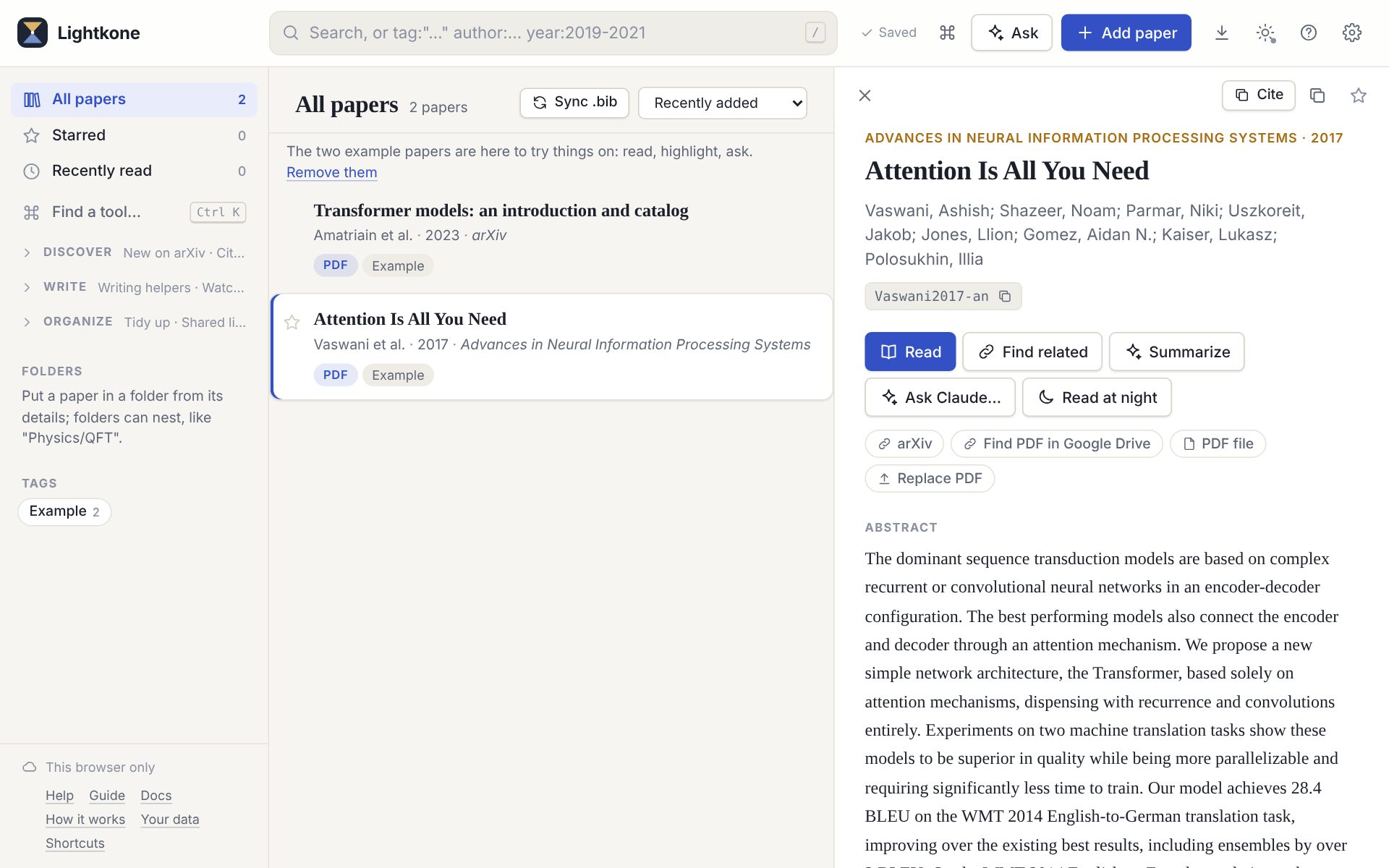
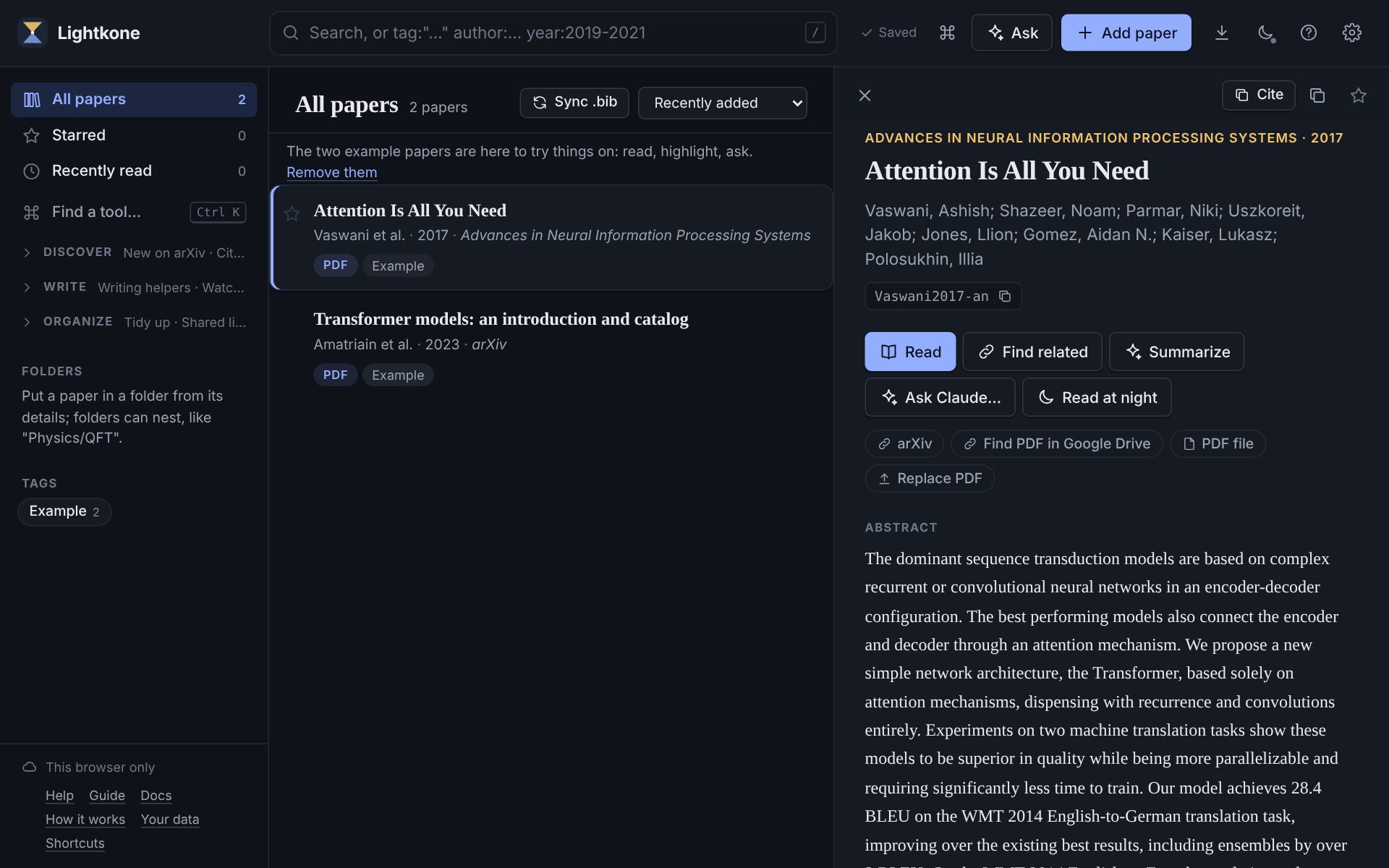
Everything a reference manager should, and a few things for people who read the equations. Every answer Claude gives is kept in your storage, so asking the same thing again shows it at once and costs nothing.
Add papers the quick way
Paste DOIs, arXiv ids, links or BibTeX, import a whole .bib, drop in PDFs, or share a page to Lightkone from your phone. Free PDFs are fetched for you.
Read with Claude beside you
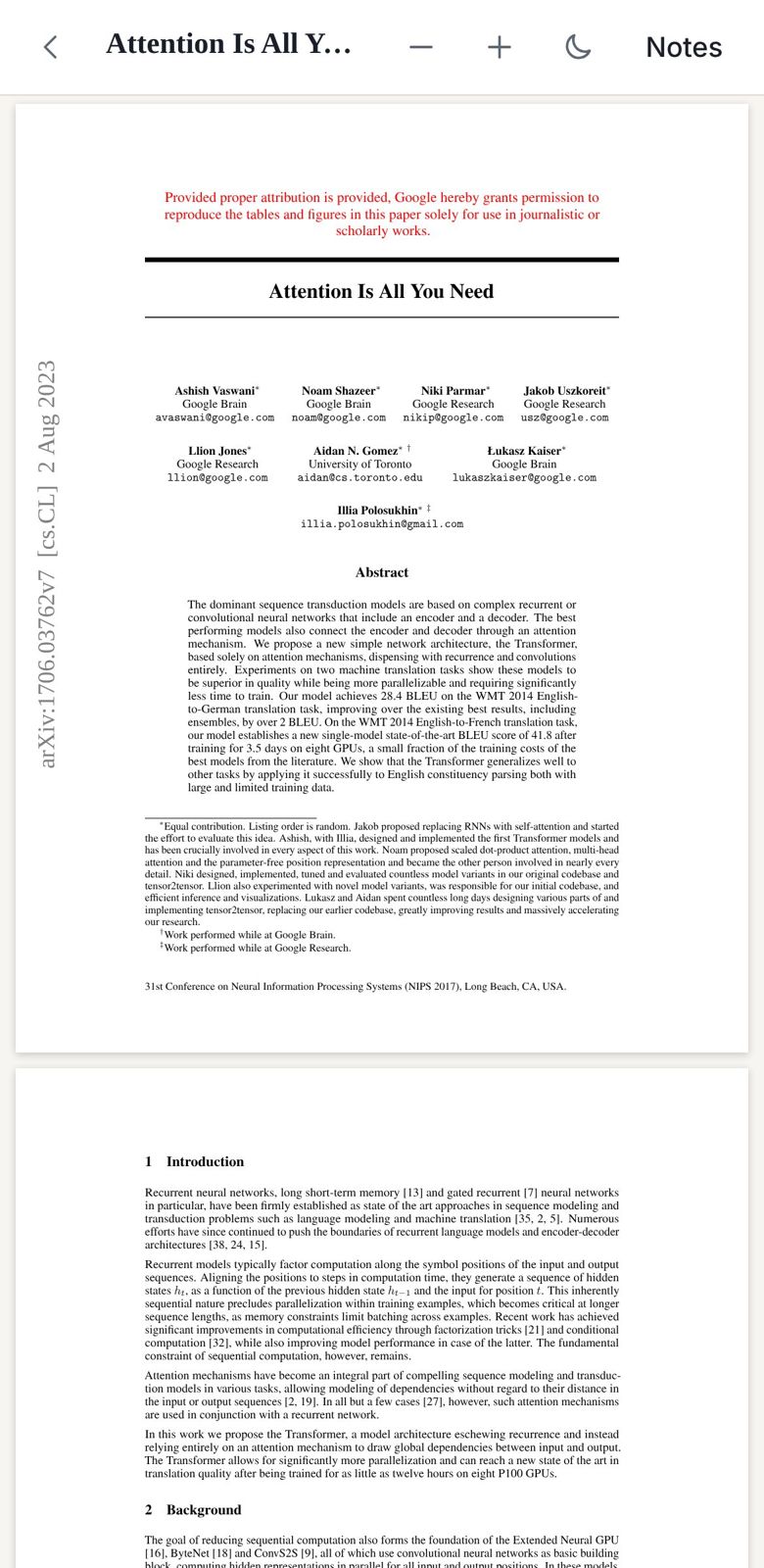
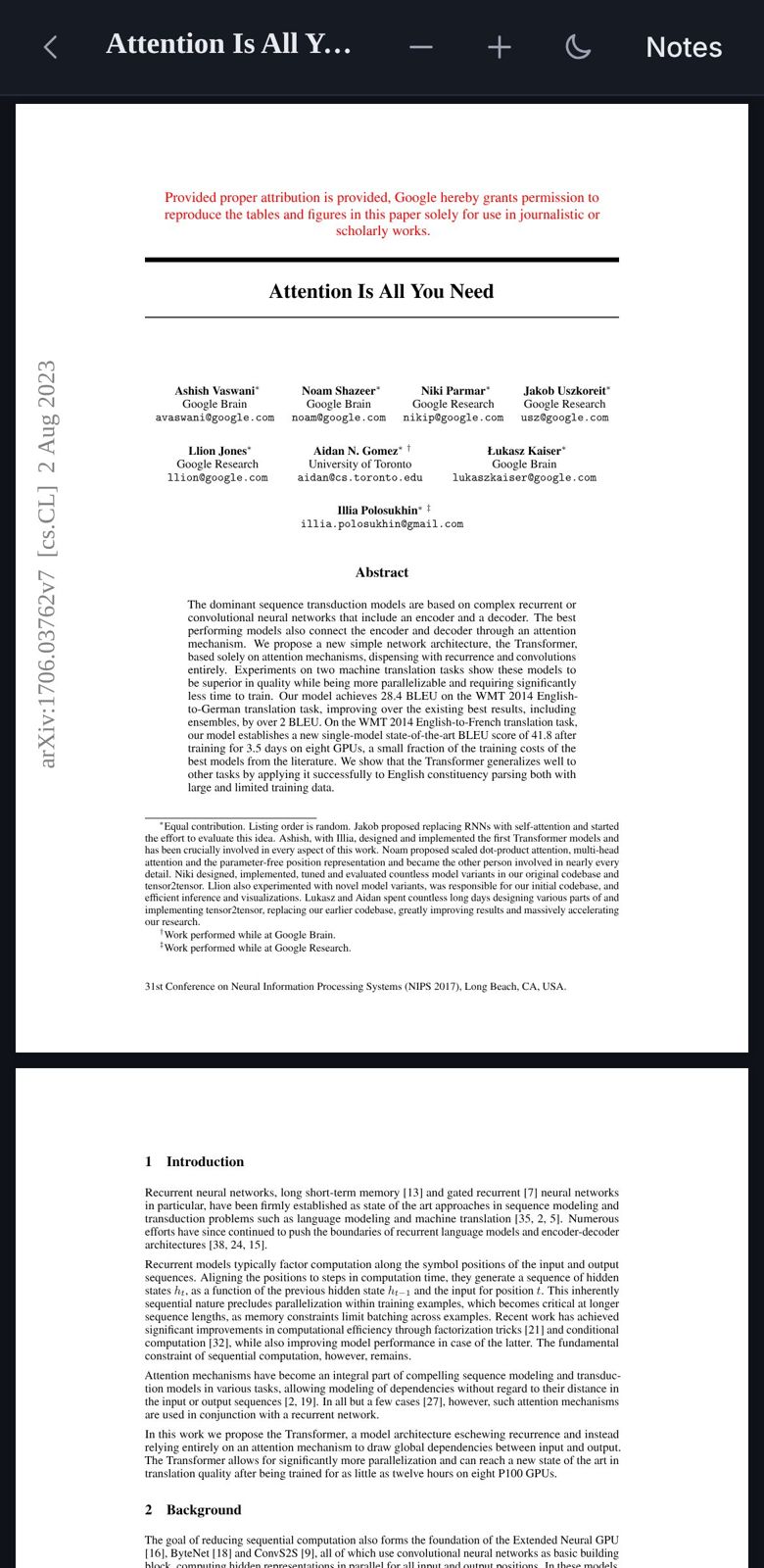
A PDF reader that works on a phone, with highlights, notes and dark pages. A side panel keeps your notes and a running chat about the paper next to the pages; snap it, resize it, or float it as a window.
Answers you can check
Claude quotes the passages behind each answer, and they are highlighted on the page with numbered markers, so one tap takes you to the definition or step it leans on.
Find anything
Search titles, authors, notes and the full text of every PDF, with filters like author:wilson year:1971-1975. Or search by equation, in LaTeX.
Ask your library
Questions answered from your own papers, citing the pages, or from up to five whole PDFs at once. Claude, Claude Code and other AI apps can search, read and cite your library through MCP, from the site's address or with lightkone mcp.
Write with it
Citation keys never change once given. Cite my draft finds the sentences in your .tex that make a claim but cite nothing, and suggests papers for them. Keep a folder's .bib in GitHub for Overleaf.
Grow it by its connections
Branches finds the works that cite, or are cited by, several of your papers, and says why each is there. Keep a branch and it marks what is fresh next time. Each day's arXiv preprints are ranked by how close they are to your library.
See how others cite a paper
The sentences in later papers that cite it, newest and most influential first. Claude can sort them into supporting, contrasting and mentioning, with the contrasting ones on top.
Know when a paper changes
Paper health marks papers that were retracted, corrected or withdrawn on arXiv, from Crossref, Retraction Watch and arXiv, and checks the library about once a month.
Where your library lives
There is no Lightkone account and no Lightkone database. You pick the storage; the app reads and writes it from your browser.
Setting up a bucket is the fiddly part, so Lightkone helps. Check these settings in the app tests the storage and says what
is wrong, down to the CORS rule your bucket needs. lightkone setup does the whole setup from a terminal, and
Set up with AI shows how to let Claude do it for you.
lightkone/library.json        your papers, folders, tags and notes
lightkone/library.bib         the whole library as BibTeX, for LaTeX
lightkone/annotations/        your highlights, one file per paper
lightkone/history/            your chats with Claude, one file per chat
lightkone/answers/            Claude's answers, kept so they are never paid for twice
lightkone/branches/           the branches you grow from your library
papers/All Papers/HINTON/     the PDFs, filed the way Paperpile files them
From the terminal and Python
The lightkone command reads and writes the same files as the app, wherever your library lives. lightkone setup sets up
your storage and checks it. Then search the library, export it, or load your papers and their citation network as pandas tables or a
networkx graph, and save the map as GraphML or GEXF for Gephi. lightkone mcp hands it to Claude Code or Claude desktop, and
lightkone web opens the app when you want the pages.
pip install lightkone
lightkone setup                     # storage, a check, CORS
lightkone ls author:einstein year:1915-1920
lightkone map in:Thesis -o thesis.graphml
lightkone open Hinton2012-in -p 3   # the reader, at page 3
claude mcp add lightkone -- lightkone mcp

# in Python
G = lib.citation_graph("in:Thesis").to_networkx()
df = lib.to_dataframe()
Coming from Paperpile
Your folders, labels, citation keys and PDFs come over. PDFs keep Paperpile's own layout, so one copy of your Google Drive folder links every paper to its file.
Read the step-by-step guideYour data stays yours
- No accounts, no tracking. The site serves the app and nothing else sees your library.
- Keys stay in your browser. Each is sent only to the service it belongs to.
- Open formats. JSON, BibTeX and PDF: back them up, read them with other tools, or leave.